Did the robot finish?
RoboJev predicts whether a robot completed its task from a task description and frames sampled across the attempt.
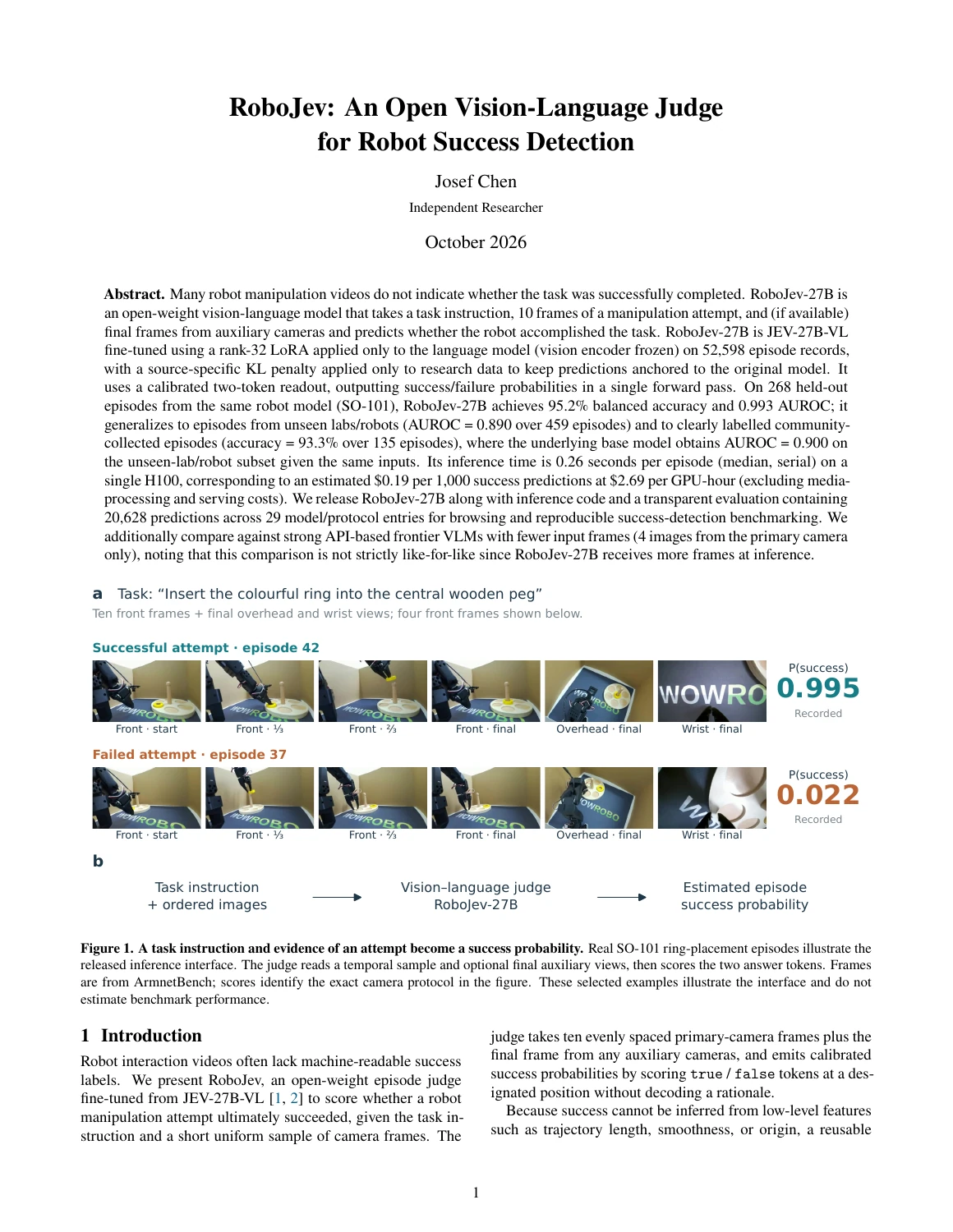
Task Insert the colourful ring into the central wooden peg.
Play the attempt to see the frames RoboJev uses.
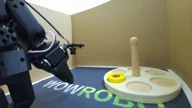
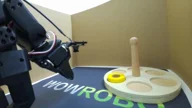
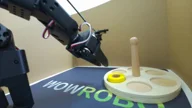
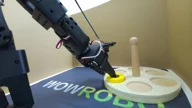
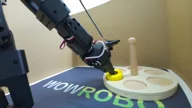
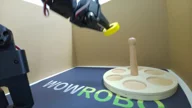
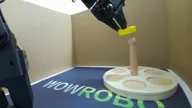
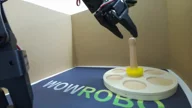
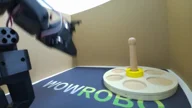
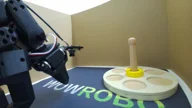
These are recorded model outputs, queried every 0.5 s on a task held out from training. View trace.
See inputs, costs and all results.
Watch the launch
Watch the ring slip off and the score fall.
One task,
ten frames.
We sample ten frames from across the attempt and provide them to RoboJev with the task description. When available, we add the final image from each other camera. RoboJev outputs a probability of success for that attempt.
The two episodes below were held out from training. With all three camera views, the released checkpoint outputs 0.995 and 0.022.
Try an attempt yourself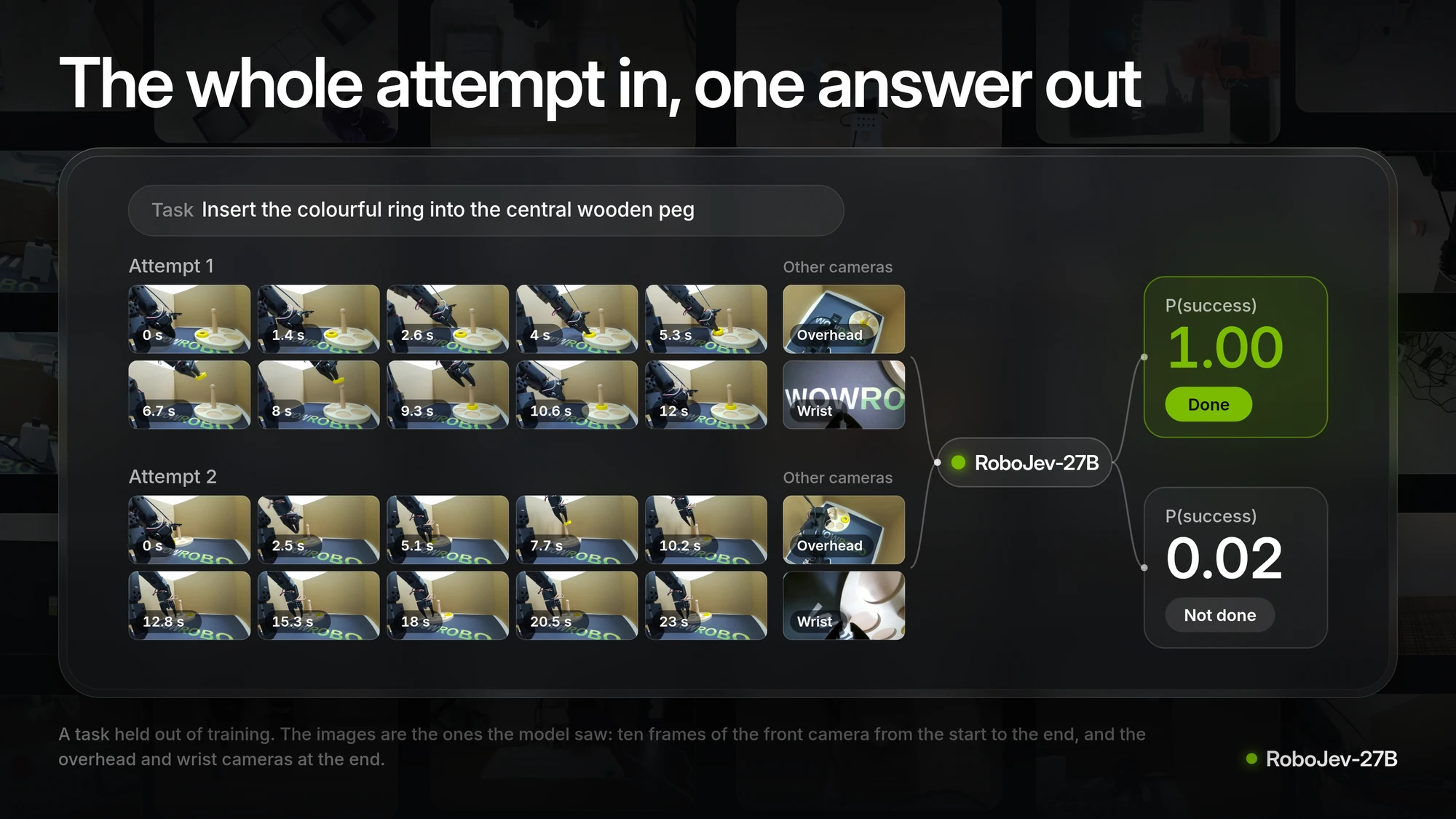
Compare the answers
RoboJev, general-purpose models and decision APIs on the recorded benchmarks.
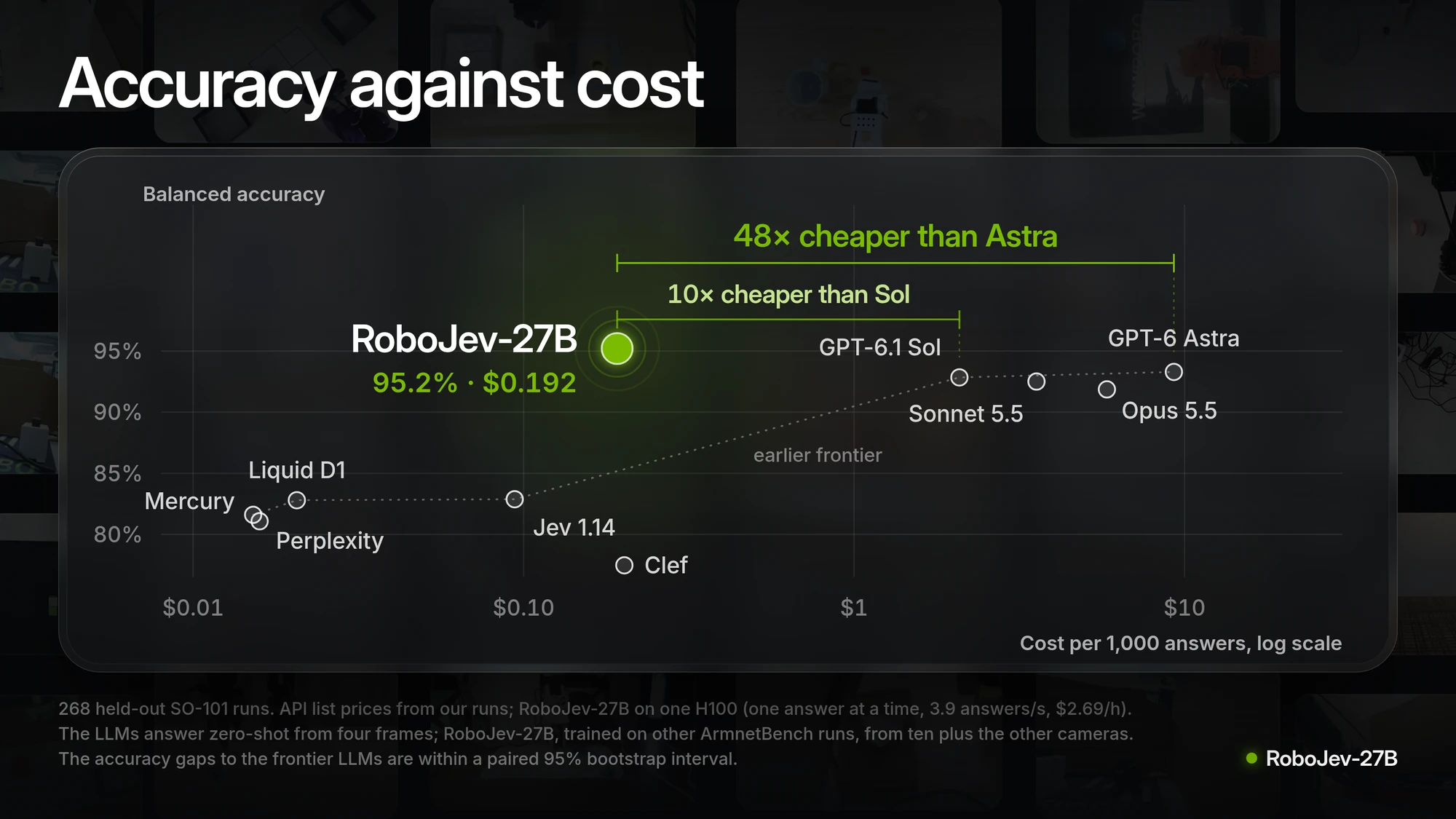
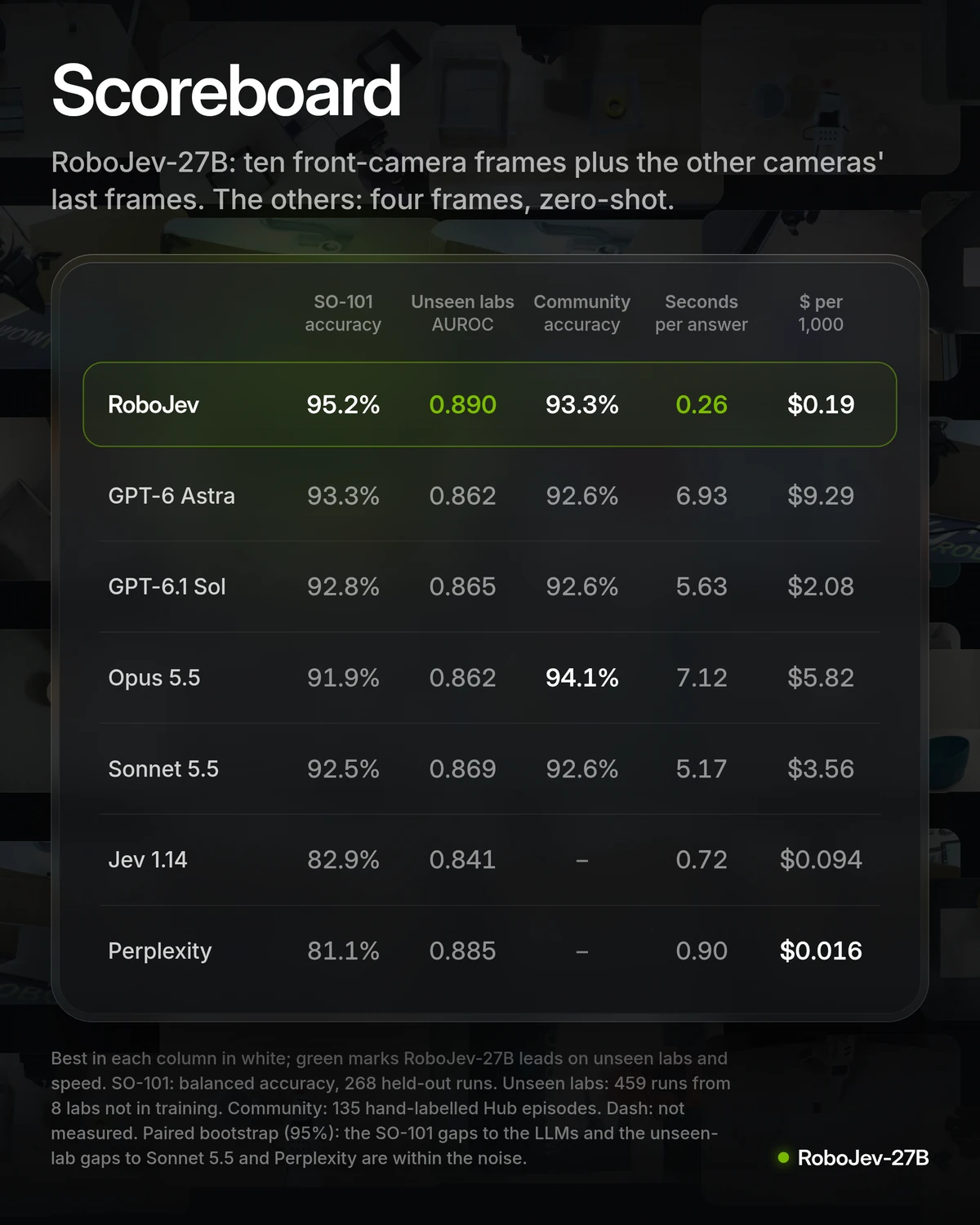
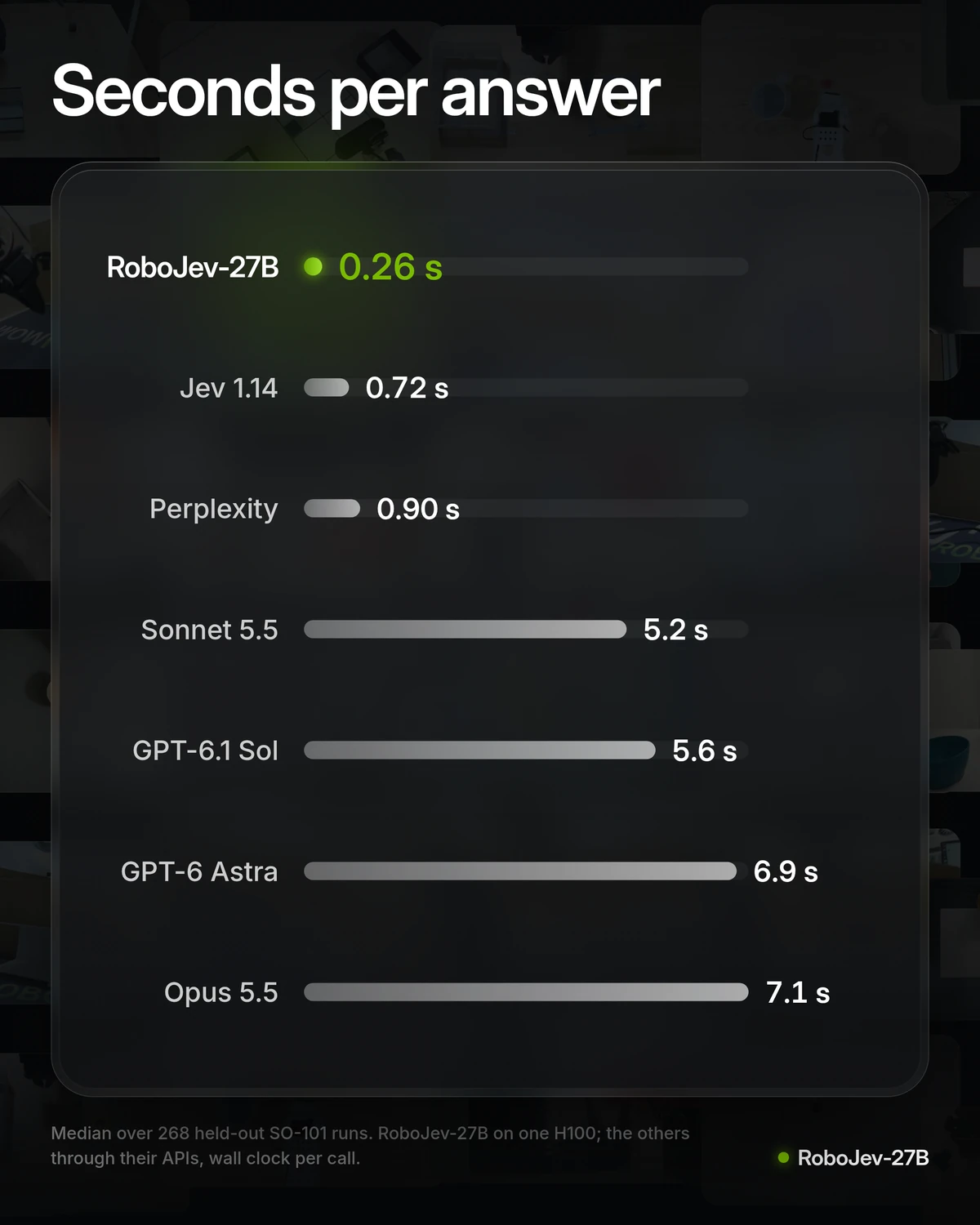
For the recorded frontier-model runs we used four frames from the front camera. RoboJev received ten front-camera frames and, when available, the final frame from each other camera. The explorer lists the protocol for every result.
On SO-101, the uncertainty range for the difference in balanced accuracy between RoboJev and Astra includes zero. With ten frames, base JEV scores 0.900 AUROC on the unseen-lab set; RoboJev scores 0.890.
Open the full comparison: all 29 model/protocol entries
Loading recorded results…
Billions of
robot hours
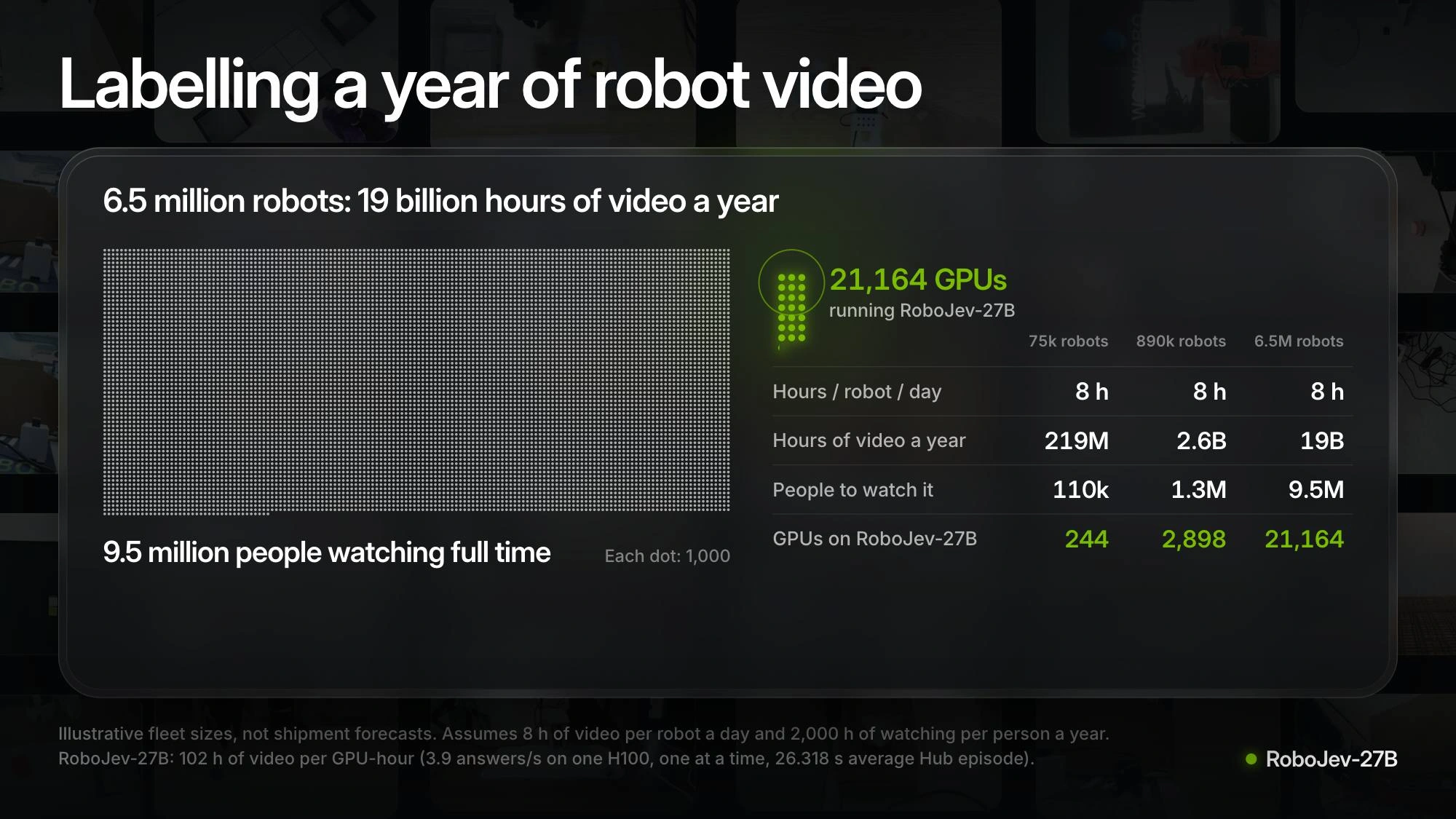
If a million robots recorded eight hours a day, that would amount to 2.92 billion hours of video every year.
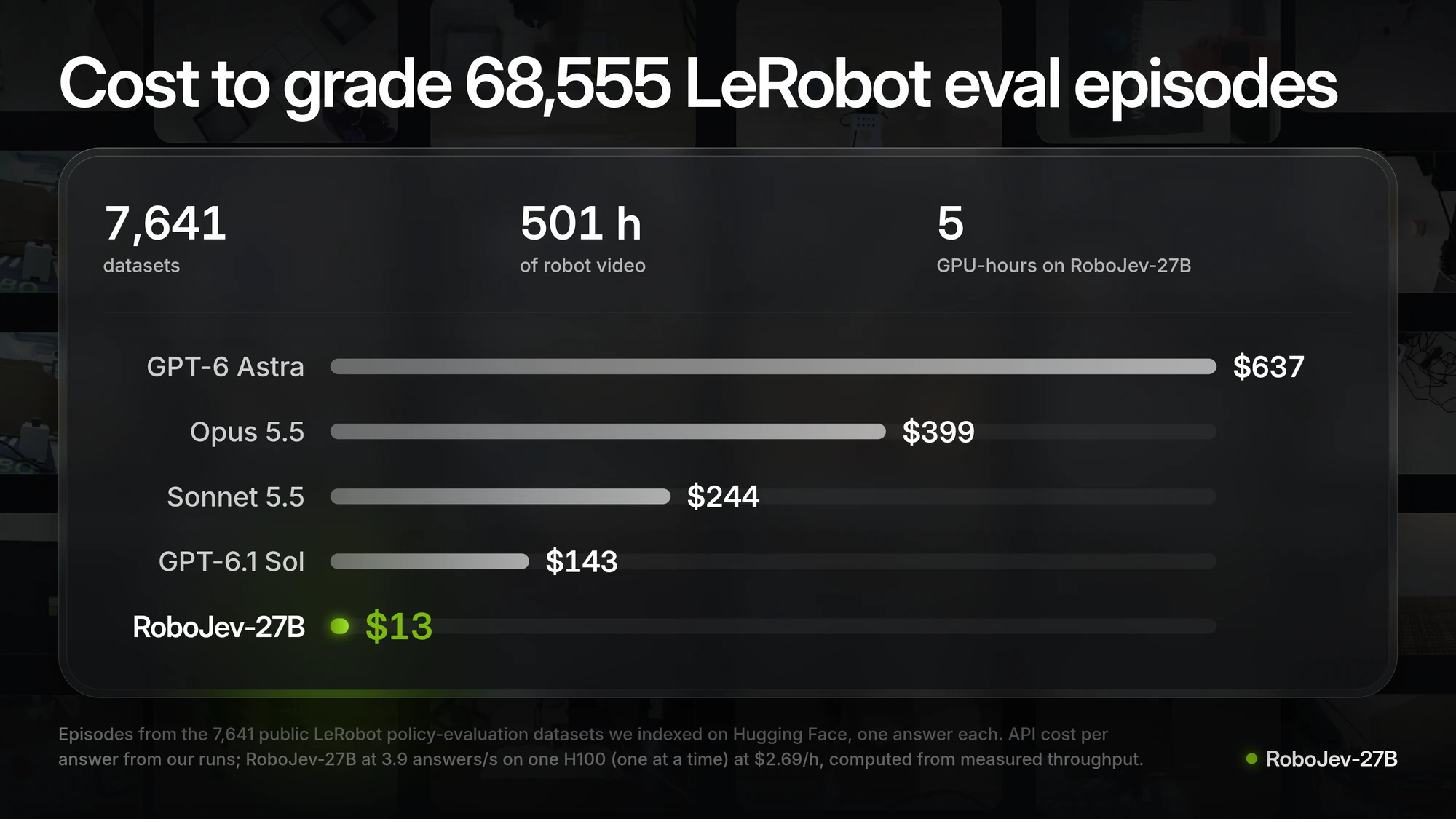
This chart shows how many people and GPUs it would take to label that video. The fleet sizes are assumptions for this calculation.
Read the research
The paper goes over the training and held-out tasks, including where RoboJev makes mistakes and the confidence intervals around its results.
We fine-tuned JEV-27B-VL with LoRA on 52,598 robot episodes to make RoboJev. We provide the weights and evaluation data; you can also use the LeRobot reward plugin or run the video overlay.
Read the paper